What is headless WordPress?
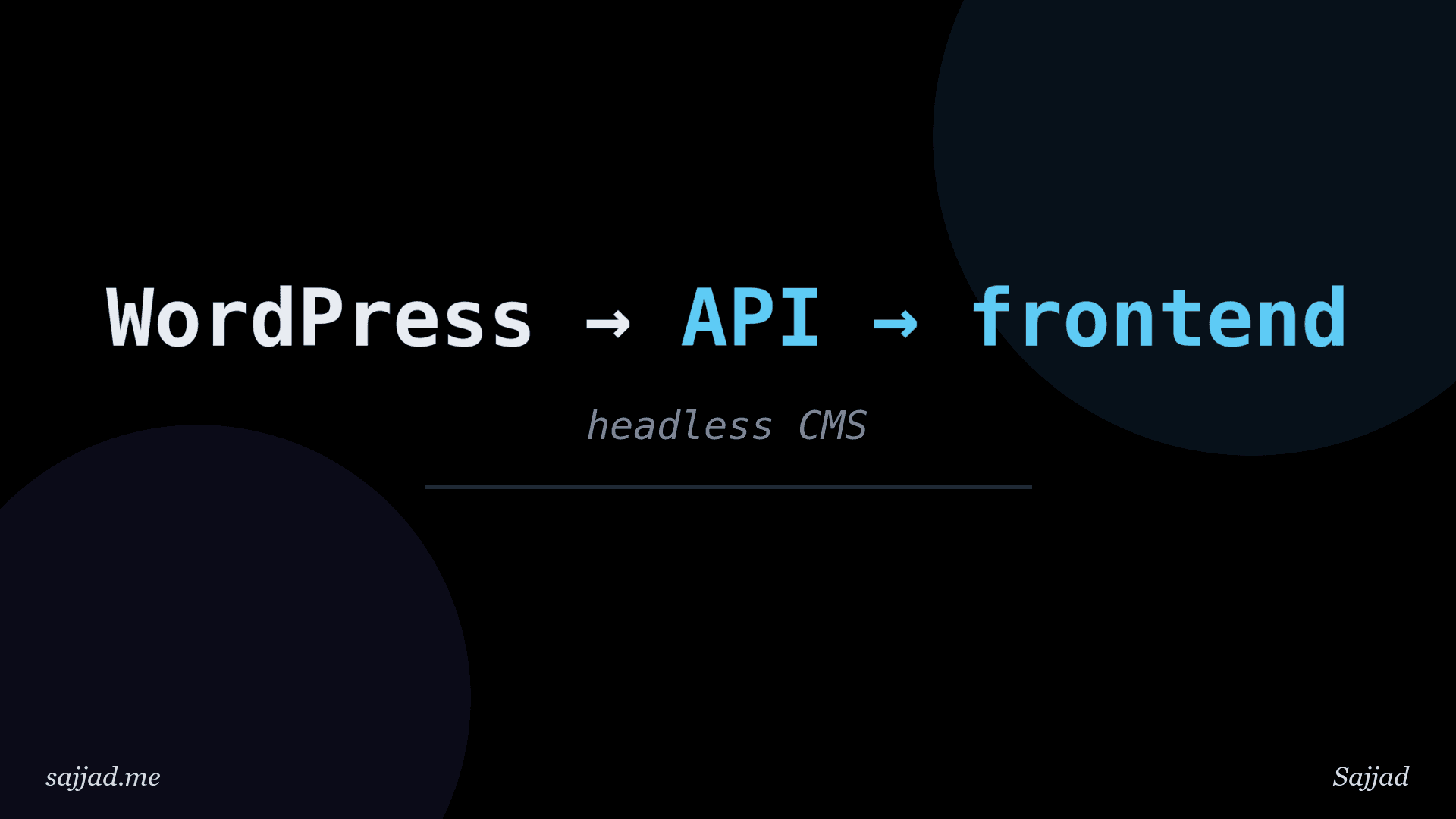
Headless WordPress is a setup where WordPress is used only as a content management back end, while a separate application handles the front end that visitors actually see. Editors still write and manage content in the familiar WordPress dashboard, but instead of a WordPress theme rendering the pages, a framework such as Next.js, Astro, or Nuxt fetches the content through an API and builds the website. The "head" (the theme) is removed, and WordPress becomes a content service.
This approach has become popular with development teams that want modern front-end tooling, high performance, or content that appears in several places at once. But it also adds complexity. In this article you will learn what headless WordPress is, how it works, its advantages and trade-offs, which tools are involved, and how to decide whether it is right for your project.
What Does Headless Mean?
In a traditional ("monolithic" or "coupled") WordPress site, one system does everything:
- Stores content in the database.
- Provides the admin where you write and edit.
- Renders the front end using PHP theme templates or a block theme.
In a headless setup, WordPress keeps the first two jobs, but the third moves to a separate application. The two talk to each other through an API, usually the built-in WordPress REST API or GraphQL via the WPGraphQL plugin.
The term "head" refers to the presentation layer. Removing it leaves a "headless" CMS: a body that stores and manages content without deciding how it is displayed.
Decoupled vs. Headless
You will sometimes see the terms used interchangeably, but there is a subtle difference:
- Decoupled: WordPress still has an active theme and can render pages, but some or all of the front end is served by another application.
- Headless: WordPress has no public-facing front end at all. Visitors never see WordPress-rendered pages.
In practice, most "headless" projects keep a minimal theme active simply because WordPress requires one, and redirect any visits to the WordPress domain.
How Headless WordPress Works
A typical headless architecture looks like this:
- Content creation: Editors log in to WordPress at a domain such as
cms.example.comand create posts, pages, and custom content as usual. - API layer: WordPress exposes that content as JSON through
/wp-json/(REST) or/graphql(WPGraphQL). - Front-end application: A JavaScript framework, hosted separately at
www.example.com, requests content from the API. - Rendering: The front end renders HTML either at build time (static generation), on the server per request (server-side rendering), or through a mix of both with cached regeneration.
- Delivery: The finished pages are served from a CDN or edge network to visitors.
A simple request to the REST API looks like this:
curl "https://cms.example.com/wp-json/wp/v2/posts?per_page=3&_fields=id,slug,title,excerpt"
And the front end uses the response to build pages:
const res = await fetch(
  "https://cms.example.com/wp-json/wp/v2/posts?per_page=3&_fields=id,slug,title,excerpt",
);
const posts = await res.json();

posts.forEach((post) => {
  console.log(post.slug, post.title.rendered);
});
REST API vs. WPGraphQL
You have two main options for getting content out of WordPress.
The WordPress REST API
- Built into WordPress core, no plugin required.
- Uses many endpoints, such as
/wp/v2/posts,/wp/v2/pages, and/wp/v2/categories. - Responses can be large, although the
_fieldsand_embedparameters help. - Works well with simple content models and any language that can make HTTP requests.
WPGraphQL
WPGraphQL is a free, widely used plugin that adds a single GraphQL endpoint. You describe exactly the data you want and get it in one request:
query LatestPosts {
  posts(first: 3) {
    nodes {
      slug
      title
      date
      excerpt
      featuredImage {
        node {
          sourceUrl
          altText
        }
      }
      categories {
        nodes {
          name
        }
      }
    }
  }
}
- Fetches related data (featured images, authors, terms) in one round trip.
- Returns only the fields you ask for.
- Has a strong extension ecosystem, including integrations for Advanced Custom Fields (WPGraphQL for ACF) and SEO plugins.
- Requires installing and maintaining a plugin.
Both are solid choices. Teams using React-based frameworks often prefer GraphQL, while simpler projects are perfectly happy with REST.
Popular Front-End Frameworks for Headless WordPress
Any technology that can make HTTP requests can serve as the head, but these are the most common:
- Next.js: A React framework with static generation, server rendering, and on-demand revalidation. Probably the most popular choice for headless WordPress.
- Astro: Content-focused and ships very little JavaScript by default. Great for blogs and marketing sites.
- Nuxt: The Vue.js equivalent of Next.js.
- SvelteKit: A fast, lightweight framework built on Svelte.
- Gatsby: Once the go-to option for headless WordPress, though its popularity has declined in favor of Next.js and Astro.
- Faust.js: A framework from WP Engine built on Next.js specifically for headless WordPress, with helpers for previews and authentication.
- Native mobile apps: iOS and Android apps can use the same APIs as a website.
Benefits of Headless WordPress
Performance
Front ends that pre-render pages and serve them from a CDN can be extremely fast. Because the page is often just static HTML plus optimized assets, time to first byte is low and Core Web Vitals are easier to control. That said, a well-optimized traditional WordPress site with good caching can also be very fast, so performance alone is rarely the only reason to go headless.
Freedom in Front-End Development
Developers can use modern tools such as React, TypeScript, component libraries, and utility CSS frameworks without working inside WordPress theme conventions.
Security Through Separation
The WordPress admin can live on a separate domain, behind a firewall, or even on a private network. Visitors only interact with the front end, which reduces the public attack surface of WordPress. You still need to keep WordPress and its plugins updated.
Omnichannel Content
One WordPress install can feed a website, a mobile app, a digital signage display, and an email platform at the same time. Content is written once and published everywhere.
Scalability
Static or cached front ends handle traffic spikes gracefully, because most requests never reach WordPress at all.
Familiar Editing Experience
Editors keep the WordPress dashboard they already know, including the block editor, media library, user roles, and revisions.
Drawbacks and Challenges
Headless WordPress is not a free upgrade. It comes with real trade-offs:
Loss of theme-based features: Anything that depends on the WordPress front end stops working automatically. This includes theme customizations, the Site Editor, many page builder layouts, and plugins that output front-end HTML (sliders, forms, popups, related posts).
Previews are harder: Clicking Preview in WordPress would normally show a draft on the WordPress front end. In headless setups you need to build a preview route in your framework, often using features like Next.js Draft Mode.
SEO requires extra work: Plugins like Yoast SEO and Rank Math generate meta tags for WordPress themes. In a headless setup, you have to fetch that SEO data through the API and output it in your front end yourself. Sitemaps, redirects, and canonical URLs also need attention.
Rendering block content: Post content comes back as HTML generated by blocks. You need the matching CSS for core blocks in your front end, or you need to parse blocks into your own components.
Forms, comments, and search: These features need API-based alternatives or third-party services.
Two systems to maintain: You now host, deploy, monitor, and secure both WordPress and a separate front-end application. That usually means higher development and hosting costs.
Developer dependency: Content editors lose some independence. Adding a new layout or section often requires a developer to update the front end.
When Headless WordPress Makes Sense
Headless is a strong fit when:
- You have a development team comfortable with JavaScript frameworks.
- You need to publish the same content across multiple channels, such as a website and a mobile app.
- Performance and scalability requirements are very high, for example a news site with big traffic spikes.
- You want the front end to integrate data from several sources, not just WordPress.
- Your design system is already built in React or another framework.
- Security policies require the CMS to be isolated from the public internet.
When to Stick with Traditional WordPress
A traditional setup is usually better when:
- You run a small business site, portfolio, or personal blog.
- You rely on page builders, visual theme customization, or the Site Editor.
- You depend on plugins that output front-end features, such as WooCommerce's full storefront, membership plugins, or form builders.
- You do not have ongoing developer support.
- Budget and time to launch matter more than architectural flexibility.
Modern block themes, caching plugins, and a good CDN can deliver excellent performance without going headless.
Key Tools and Plugins for Headless Projects
Here are some commonly used tools that make headless development smoother:
- WPGraphQL: GraphQL API for WordPress.
- WPGraphQL for ACF: Exposes Advanced Custom Fields data in GraphQL.
- Advanced Custom Fields (ACF): Adds structured custom fields to content, with built-in REST API support.
- Yoast SEO or Rank Math: Both expose SEO metadata that a headless front end can consume. Yoast offers a REST endpoint for head data.
- Faust.js: Framework and plugin combination for Next.js-based headless WordPress, including preview support.
- Application Passwords: Built into core, for authenticating server-to-server requests.
Preparing WordPress for Headless Use
A few configuration steps help your WordPress back end behave well as a headless CMS.
Expose Custom Post Types and Fields
Custom post types need show_in_rest (for REST) or show_in_graphql (for WPGraphQL):
function sajjad_register_project_cpt() {
register_post_type(
'project',
array(
'label'               => __( 'Projects', 'sajjad' ),
'public'              => true,
'show_in_rest'        => true,
'show_in_graphql'     => true,
'graphql_single_name' => 'project',
'graphql_plural_name' => 'projects',
'supports'            => array( 'title', 'editor', 'thumbnail', 'excerpt' ),
)
);
}
add_action( 'init', 'sajjad_register_project_cpt' );
Put this in a custom plugin so it does not depend on the active theme.
Redirect the WordPress Front End
If visitors land on your CMS domain, send them to the real front end while leaving the admin, API, and login untouched:
function sajjad_headless_redirect() {
if ( is_admin() || wp_doing_ajax() || wp_doing_cron() ) {
return;
}

if ( defined( 'REST_REQUEST' ) && REST_REQUEST ) {
return;
}

if ( function_exists( 'is_graphql_http_request' ) && is_graphql_http_request() ) {
return;
}

if ( is_preview() ) {
return;
}

$frontend = 'https://www.example.com';
$path     = isset( $_SERVER['REQUEST_URI'] ) ? esc_url_raw( wp_unslash( $_SERVER['REQUEST_URI'] ) ) : '/';

wp_redirect( $frontend . $path, 301 );
exit;
}
add_action( 'template_redirect', 'sajjad_headless_redirect' );
Because template_redirect only runs for front-end template requests, the login page and REST routes are not affected. We use wp_redirect() instead of wp_safe_redirect() here because the destination is intentionally a different host.
Allow Cross-Origin Requests If Needed
If your front end calls the WordPress API directly from the browser (rather than from its own server), you may need to configure CORS headers. Server-side fetching, which most frameworks do by default, avoids this issue entirely.
Trigger Front-End Rebuilds on Publish
When content changes, your front end needs to know. A common approach is to call a webhook or revalidation endpoint when a post is saved:
function sajjad_notify_frontend( $post_id, $post, $update ) {
if ( wp_is_post_revision( $post_id ) || wp_is_post_autosave( $post_id ) ) {
return;
}

if ( 'publish' !== $post->post_status ) {
return;
}

wp_remote_post(
'https://www.example.com/api/revalidate',
array(
'timeout'  => 5,
'blocking' => false,
'headers'  => array(
'Content-Type'        => 'application/json',
'x-revalidate-secret' => defined( 'SAJJAD_REVALIDATE_SECRET' ) ? SAJJAD_REVALIDATE_SECRET : '',
),
'body'     => wp_json_encode(
array(
'type' => $post->post_type,
'slug' => $post->post_name,
)
),
)
);
}
add_action( 'save_post', 'sajjad_notify_frontend', 10, 3 );
Define the secret in wp-config.php above "That's all, stop editing!":
define( 'SAJJAD_REVALIDATE_SECRET', 'a-long-random-string' );
The front end checks the secret and refreshes the relevant pages.
How Much Does Headless WordPress Cost?
Costs vary widely depending on the project. In general, expect:
- Hosting for WordPress (which can be modest, since it only serves the admin and API).
- Hosting for the front end, often on platforms like Vercel, Netlify, or Cloudflare, which have free tiers for small projects and usage-based pricing as traffic grows.
- Significantly more development time than a traditional theme-based site, both upfront and for ongoing changes.
For most small sites, the development overhead is the largest cost, not hosting.
FAQ: Headless WordPress
It can be, especially when pages are pre-rendered and served from a CDN. However, a well-cached traditional WordPress site can also be very fast, so the difference depends on the implementation.
Plugins that work in the admin or expose data through the API still work. Plugins that output HTML on the front end, like sliders, popups, and many form builders, do not work automatically and need a front-end replacement.
No. The built-in REST API works fine. WPGraphQL is optional but popular because it lets you fetch exactly the data you need in a single request.
Yes. Editors use the block editor as usual. The front end receives the rendered block HTML, or parsed block data, and must include styles or components to display it properly.
It can be excellent for SEO because pages are fast and fully rendered on the server. You do need to handle meta tags, sitemaps, canonical URLs, and redirects in the front end yourself.
Yes. WooCommerce offers a Store API for carts and checkout, and there are community projects for headless stores. It is considerably more complex than a headless blog.
Usually not. It requires JavaScript development skills and managing two systems. Beginners are better served by a traditional WordPress site with a good theme.
Conclusion
Headless WordPress separates content management from content presentation. WordPress continues to do what it does best, giving editors a powerful, familiar dashboard, while a modern front-end framework delivers fast, flexible pages through the REST API or WPGraphQL. For the right project, that combination offers excellent performance, security, and the ability to publish content anywhere.
The trade-off is complexity. You give up many theme-level features, take on extra work for previews and SEO, and maintain two systems instead of one. If you have developer resources and needs that a traditional site cannot meet, headless WordPress is a strong option. If not, a well-built traditional WordPress site is still the simpler and often smarter choice.


