Security

How much does website security cost?
Website security can cost anything from nothing at all to several thousand dollars a year, depending on how complex your site is, what data it handle
Dive Deeper
What is penetration testing for websites?
Penetration testing for websites is an authorised, simulated attack carried out by a security professional to find weaknesses that a real attacker co
Dive Deeper
How to test your website for security vulnerabilities?
To test your website for security vulnerabilities, combine several methods: run an automated vulnerability scanner against a staging copy of the site
Dive Deeper
How to respond to a website security incident?
To respond to a website security incident, stay calm and work through a clear sequence: confirm what is happening, contain the damage so it cannot sp
Dive Deeper
How often should you perform website security updates?
You should check for website security updates at least once a week, apply critical security patches within 24 to 72 hours of their release, and handl
Dive Deeper
How to create a website security checklist?
To create a website security checklist, start by listing everything your site depends on (hosting, domain, CMS, plugins, third-party services, and us
Dive Deeper
What is PCI DSS compliance for websites that take payments?
PCI DSS compliance means meeting the Payment Card Industry Data Security Standard, a set of security requirements that applies to every business that
Dive Deeper
How does GDPR affect website security?
GDPR affects website security by turning it from a good habit into a legal obligation. If your website collects personal data from people in the EU (
Dive Deeper
How to keep website backups safe from hackers?
To keep website backups safe from hackers, store them away from the website server, encrypt them, make at least one copy immutable so it can't be cha
Dive Deeper
What is ransomware and how to protect your website from it?
Ransomware is malicious software that locks you out of your own files or data, usually by encrypting them, and then demands a payment in exchange for
Dive Deeper
How to create a website disaster recovery plan?
You create a website disaster recovery plan by listing what could take your site down, deciding how quickly you need to be back online (your recovery
Dive Deeper
How to secure website forms from spam and abuse?
You secure website forms from spam and abuse by combining several layers: a hidden honeypot field and a privacy-friendly CAPTCHA to stop bots, rate l
Dive Deeper
How to encrypt sensitive data on a website?
You encrypt sensitive data on a website in three places: in transit, by serving everything over HTTPS with modern TLS; at rest, by encrypting the dis
Dive Deeper
What is passkey authentication and can websites use it?
Passkey authentication is a way to sign in without a password, using a cryptographic key pair stored on your phone, computer, password manager, or ha
Dive Deeper
How to protect website login pages from bots?
You protect website login pages from bots by making automated attempts slow, expensive, and pointless: rate limit login requests per IP and per accou
Dive Deeper
How to secure a website's admin panel?
You secure a website's admin panel by making it hard to reach, hard to log into, and limited in what it can do once someone is inside. That means req
Dive Deeper
How to safely give developers access to your website?
To safely give developers access to your website, create a separate account for each developer instead of sharing your own logins, grant only the acc
Dive Deeper
What is the principle of least privilege for website access?
The principle of least privilege means that every person, program, and process connected to your website should have only the minimum access it needs
Dive Deeper
How to manage website passwords securely?
You manage website passwords securely by keeping every credential in a reputable password manager, making each one long, random, and unique, protecti
Dive Deeper
How to use Cloudflare to protect your website?
You use Cloudflare to protect your website by moving your domain's DNS to Cloudflare, turning on the orange-cloud proxy for your web records, and the
Dive Deeper
How to prevent email spoofing from your domain?
You prevent email spoofing from your domain by publishing three DNS records that let receiving mail servers verify your messages: SPF (which servers
Dive Deeper
What are SPF, DKIM and DMARC and how do you set them up?
SPF, DKIM and DMARC are three email authentication standards that you publish as DNS records on your domain. SPF lists which servers are allowed to s
Dive Deeper
What is DNSSEC and how does it protect your website?
DNSSEC (Domain Name System Security Extensions) is a set of extensions to DNS that adds cryptographic signatures to your domain's DNS records. When a
Dive Deeper
What is domain registrar lock and why should you enable it?
A domain registrar lock, often called a transfer lock or domain lock, is a setting at your domain registrar that prevents your domain name from being
Dive Deeper
How to protect your domain name from hijacking?
To protect your domain name from hijacking, you secure the registrar account that controls it with a strong unique password and two-factor authentica
Dive Deeper
What is HSTS and how to enable it?
HSTS (HTTP Strict Transport Security) is a security header that tells browsers to only connect to your website over HTTPS, never plain HTTP, for a pe
Dive Deeper
How to fix mixed content warnings on a website?
To fix mixed content warnings, you find every resource on your HTTPS pages that still loads over plain http://, such as images, scripts, stylesheet
Dive Deeper
How to set up free SSL with Let's Encrypt?
To set up free SSL with Let's Encrypt, you point your domain's DNS at your server, install an ACME client such as Certbot, and run a single command t
Dive Deeper
What is server isolation and why does it matter in shared hosting?
Server isolation is the set of techniques a hosting provider uses to keep each account on a shared server separate from every other account, so that
Dive Deeper
How to keep a Linux web server updated and patched?
To keep a Linux web server updated and patched, you install security updates from your distribution's package manager on a regular schedule, enable a
Dive Deeper
How to replace FTP with SFTP for secure file transfers?
To replace FTP with SFTP, you connect to your server using the SSH File Transfer Protocol on the SSH port (usually 22) instead of FTP on port 21, ide
Dive Deeper
How to secure cPanel hosting accounts?
To secure a cPanel hosting account, you protect the login itself with a strong, unique password and two-factor authentication, remove or restrict ext
Dive Deeper
How to secure a MySQL database server?
To secure a MySQL database server, you keep it off the public internet, remove default accounts and test databases, give each application its own use
Dive Deeper
How to secure PHP settings on a web server?
To secure PHP settings on a web server, you edit the php.ini configuration (or a per-site pool file) to hide version information, stop showing erro
Dive Deeper
How to secure an Apache web server?
To secure an Apache web server, keep Apache updated, hide its version and OS details, disable modules you don't use, serve everything over HTTPS with
Dive Deeper
How to secure an Nginx web server?
To secure an Nginx web server, keep Nginx updated, hide its version number, serve everything over HTTPS with TLS 1.2 and 1.3 only, add security heade
Dive Deeper
How to install and configure Fail2Ban?
To install and configure Fail2Ban, install the package (sudo apt install fail2ban on Ubuntu and Debian, or sudo dnf install fail2ban from EPEL on
Dive Deeper
How to configure a firewall with UFW on a Linux server?
To configure a firewall with UFW on a Linux server, install it with sudo apt install ufw, set the default policies to deny incoming and allow outgo
Dive Deeper
How to set up SSH key authentication?
To set up SSH key authentication, generate a key pair on your local computer with ssh-keygen -t ed25519, copy the public key to your server with `s
Dive Deeper
How to secure SSH access on a web server?
To secure SSH access on a web server, use key-based authentication and disable password logins, block direct root login, allow only specific users or
Dive Deeper
How to secure a VPS for hosting websites?
To secure a VPS for hosting websites, update the operating system, create a non-root sudo user, switch SSH to key-based authentication and disable ro
Dive Deeper
What security features should a web host provide?
A good web host should provide, at minimum: strong isolation between customer accounts, regularly patched servers with current PHP and database versi
Dive Deeper
Shared hosting vs VPS: which is more secure?
A VPS is more secure than shared hosting in terms of isolation, because your site gets its own operating system and isn't sharing a server environmen
Dive Deeper
What is hosting security and why does it matter?
Hosting security is the set of protections your web host puts around the servers, network, and infrastructure your website runs on. It covers things
Dive Deeper
How to secure WordPress Multisite networks?
- Sajjad
- WordPress, Security
- 16 Sep, 2026
To secure a WordPress Multisite network, keep the number of Super Admins to a minimum and protect them with two-factor authentication, control which
Dive Deeper
How to secure WooCommerce stores?
- Sajjad
- WordPress, Security
- 15 Sep, 2026
To secure a WooCommerce store, keep card data off your server by using a hosted or tokenized payment gateway, lock down admin and shop manager accoun
Dive Deeper
How to clean up the Japanese keyword hack in WordPress?
- Sajjad
- WordPress, Security
- 15 Sep, 2026
To clean up the Japanese keyword hack in WordPress, you need to remove the injected spam pages and the malicious code that generates them, replace co
Dive Deeper
How to fix WordPress redirect hacks?
- Sajjad
- WordPress, Security
- 15 Sep, 2026
To fix a WordPress redirect hack, you need to find and remove every piece of injected code that sends visitors to another site, then close the hole t
Dive Deeper
How to remove a website from the Google Safe Browsing blacklist?
To remove a website from the Google Safe Browsing blacklist, confirm the flag with Google's Safe Browsing site status tool, then open the **Security
Dive Deeper
How to fix the "This site may be hacked" warning in Google?
- Sajjad
- WordPress, Security
- 14 Sep, 2026
To fix the "This site may be hacked" warning in Google, verify your site in Google Search Console, open the Security issues report to see what Go
Dive Deeper
How to remove a backdoor from a WordPress website?
- Sajjad
- WordPress, Security
- 14 Sep, 2026
To remove a backdoor from a WordPress website, back up the site, put it in maintenance mode, and replace WordPress core, plugins, and themes with fre
Dive Deeper
What are nulled WordPress themes and plugins and why are they dangerous?
- Sajjad
- WordPress, Security
- 14 Sep, 2026
Nulled WordPress themes and plugins are pirated copies of premium products that have had their license checks removed so they can be used without pay
Dive Deeper
How to find and fix vulnerable WordPress plugins?
- Sajjad
- WordPress, Security
- 13 Sep, 2026
To find vulnerable WordPress plugins, run a vulnerability scan with a tool like Wordfence, Patchstack, Jetpack Protect, or Solid Security, or compare
Dive Deeper
How to check if a WordPress plugin is safe to use?
- Sajjad
- WordPress, Security
- 13 Sep, 2026
To check if a WordPress plugin is safe, download it only from WordPress.org or the developer's official site, confirm it's actively maintained and te
Dive Deeper
How to monitor WordPress activity logs?
- Sajjad
- WordPress, Security
- 13 Sep, 2026
To monitor WordPress activity logs, install an activity log plugin such as WP Activity Log, Simple History, or Stream, since WordPress doesn't keep a
Dive Deeper
How to set up a firewall for a WordPress website?
- Sajjad
- WordPress, Security
- 12 Sep, 2026
To set up a firewall for a WordPress website, choose at least one web application firewall (WAF) layer: a plugin-based firewall like Wordfence that r
Dive Deeper
How to scan a WordPress website for malware?
- Sajjad
- WordPress, Security
- 12 Sep, 2026
To scan a WordPress website for malware, start with a free remote scanner such as Sucuri SiteCheck to check what visitors see, then run a server-side
Dive Deeper
Wordfence vs Sucuri: which security plugin is better?
- Sajjad
- WordPress, Security
- 12 Sep, 2026
Wordfence is usually the better choice if you want a powerful free security plugin that runs on your own server, with a firewall, malware scanner, an
Dive Deeper
What are the best WordPress security plugins?
- Sajjad
- WordPress, Security
- 12 Sep, 2026
The best WordPress security plugins for most sites are Wordfence, Sucuri Security, Solid Security, MalCare, All-In-One Security (AIOS), Patchstack, a
Dive Deeper
How to protect WordPress from spam registrations?
- Sajjad
- WordPress, Security
- 11 Sep, 2026
To protect WordPress from spam registrations, first decide whether you need open registration at all, and turn it off in Settings > General if yo
Dive Deeper
How to add HTTP security headers to WordPress?
- Sajjad
- WordPress, Security
- 11 Sep, 2026
You can add HTTP security headers to WordPress in four main ways: with Header always set directives in your .htaccess file on Apache or LiteSpeed
Dive Deeper
How to secure WordPress with .htaccess rules?
- Sajjad
- WordPress, Security
- 11 Sep, 2026
You can secure WordPress with .htaccess rules by adding directives to the .htaccess file in your site's root (outside the # BEGIN WordPress blo
Dive Deeper
How to block PHP execution in WordPress upload folders?
- Sajjad
- WordPress, Security
- 11 Sep, 2026
To block PHP execution in the WordPress uploads folder, place an .htaccess file inside wp-content/uploads/ that denies access to files ending in
Dive Deeper
How to force strong passwords for WordPress users?
- Sajjad
- WordPress, Security
- 10 Sep, 2026
WordPress suggests strong passwords but doesn't enforce them, because any user can tick the "Confirm use of weak password" checkbox and save somethin
Dive Deeper
How to set up automatic logout for idle users in WordPress?
- Sajjad
- WordPress, Security
- 10 Sep, 2026
The easiest way to set up automatic logout for idle users in WordPress is to install a plugin such as Inactive Logout, set a timeout like 15 or 30 mi
Dive Deeper
How to add CAPTCHA to WordPress login and forms?
- Sajjad
- WordPress, Security
- 10 Sep, 2026
To add CAPTCHA to WordPress, pick a CAPTCHA service (Google reCAPTCHA, hCaptcha, or Cloudflare Turnstile), create a free site key and secret key in t
Dive Deeper
How to prevent user enumeration in WordPress?
- Sajjad
- WordPress, Security
- 09 Sep, 2026
To prevent user enumeration in WordPress, you need to close the handful of places where usernames leak: block ?author= query scans, hide the `/wp-j
Dive Deeper
How to add security keys and salts in WordPress?
- Sajjad
- WordPress, Security
- 09 Sep, 2026
To add security keys and salts in WordPress, generate a fresh set of eight random values from the official WordPress.org secret key generator, then p
Dive Deeper
How to secure the WordPress REST API?
- Sajjad
- WordPress, Security
- 09 Sep, 2026
To secure the WordPress REST API, don't switch it off entirely, because the block editor and many plugins depend on it. Instead, require authenticati
Dive Deeper
How to disable directory browsing in WordPress?
- Sajjad
- WordPress, Security
- 09 Sep, 2026
To disable directory browsing in WordPress on an Apache or LiteSpeed server, add the single line Options -Indexes to the .htaccess file in your s
Dive Deeper
How to hide the WordPress version number?
- Sajjad
- WordPress, Security
- 08 Sep, 2026
To hide the WordPress version number, remove the generator meta tag with remove_action( 'wp_head', 'wp_generator' ), empty the generator output in
Dive Deeper
How to protect the wp-admin directory with a password?
- Sajjad
- WordPress, Security
- 08 Sep, 2026
You can protect the wp-admin directory with a password by enabling HTTP Basic Authentication on your web server. On Apache, that means creating an `.
Dive Deeper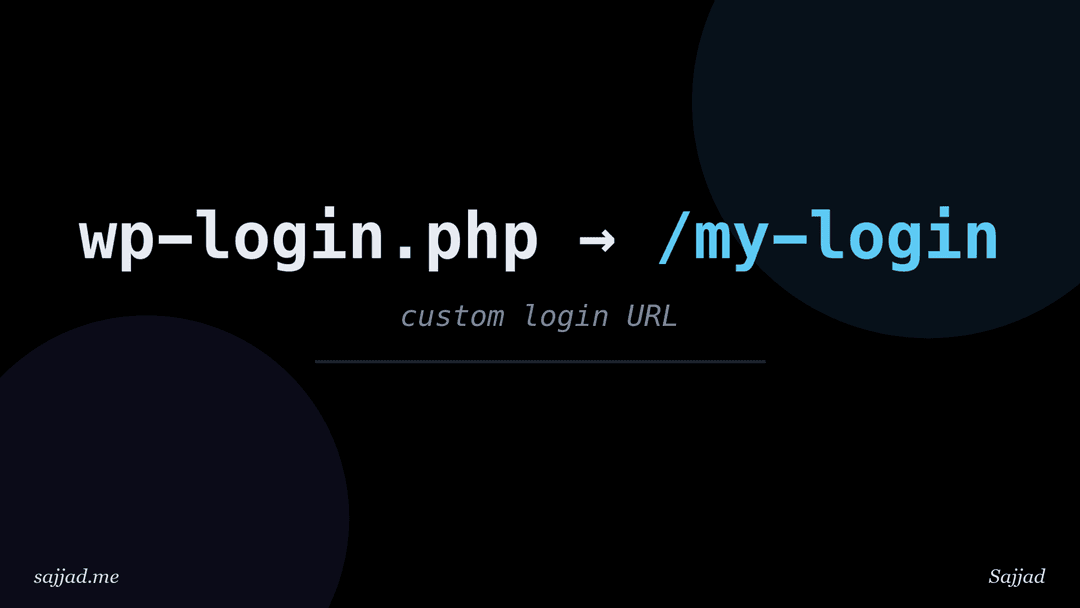
How to change the default WordPress login URL?
- Sajjad
- WordPress, Security
- 08 Sep, 2026
The easiest way to change the default WordPress login URL is to install a lightweight plugin such as WPS Hide Login, choose a new slug like `/my-team
Dive Deeper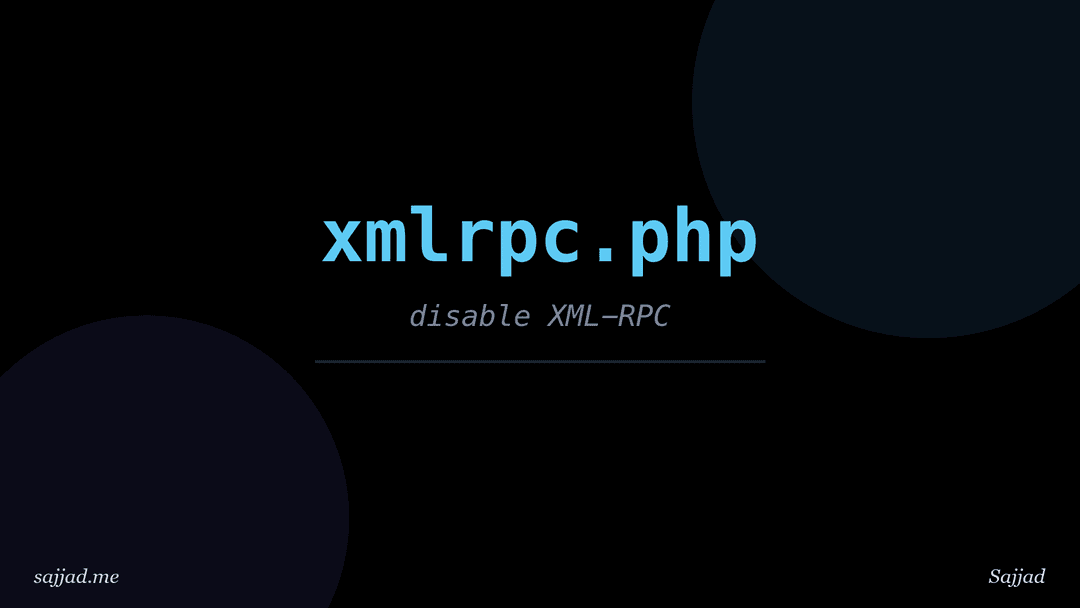
How to disable XML-RPC in WordPress?
- Sajjad
- WordPress, Security
- 07 Sep, 2026
To disable XML-RPC in WordPress, you can install a small plugin such as Disable XML-RPC-API, add the xmlrpc_enabled filter to a custom plugin or yo
Dive Deeper
How to limit login attempts in WordPress?
- Sajjad
- WordPress, Security
- 07 Sep, 2026
To limit login attempts in WordPress, install a dedicated plugin such as Limit Login Attempts Reloaded or Loginizer, set a maximum number of failed l
Dive Deeper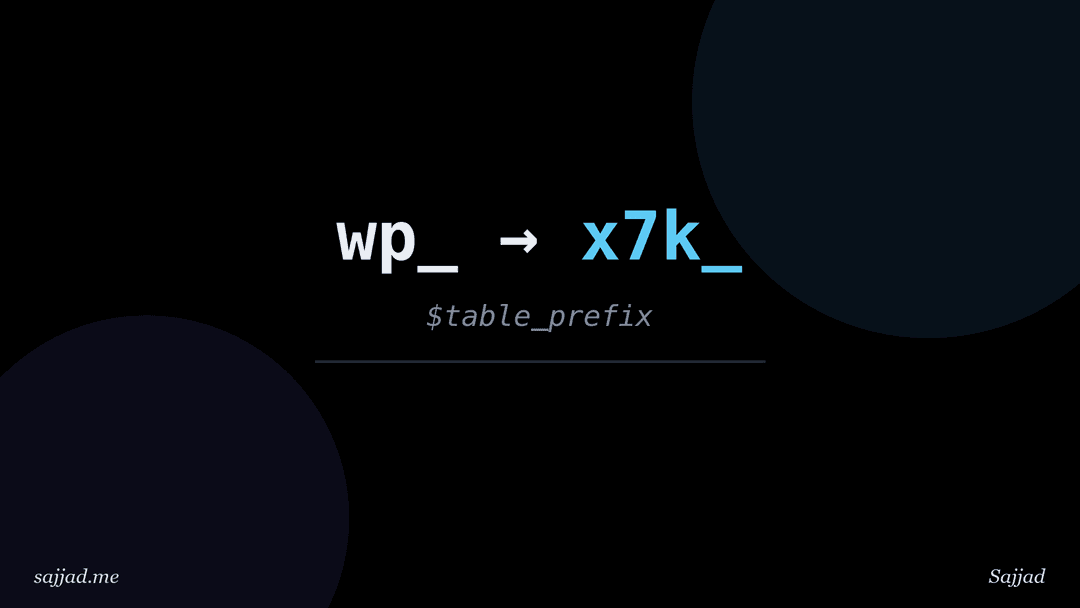
How to change the WordPress database table prefix?
- Sajjad
- WordPress, Security
- 07 Sep, 2026
To change the WordPress database table prefix, you rename every table that starts with the old prefix (usually wp_), update the $table_prefix val
Dive Deeper
How to set correct file permissions in WordPress?
- Sajjad
- WordPress, Security
- 07 Sep, 2026
The standard, correct file permissions for most WordPress sites are 755 for directories, 644 for files, and something tighter like 640 or 600
Dive Deeper
How to disable file editing in the WordPress dashboard?
- Sajjad
- WordPress, Security
- 06 Sep, 2026
To disable file editing in the WordPress dashboard, add define( 'DISALLOW_FILE_EDIT', true ); to your wp-config.php file, above the line that say
Dive Deeper
How to harden wp-config.php for better security?
- Sajjad
- WordPress, Security
- 06 Sep, 2026
To harden wp-config.php, you restrict who can read it, block direct web access to it, move it or its secrets out of the public web root where possi
Dive Deeper
What is a website security audit and how to perform one?
A website security audit is a structured review of everything that affects your site's security: the software you run, who has access, how your serve
Dive Deeper
What is SEO spam and how do hackers inject it into websites?
SEO spam is unwanted content that hackers secretly inject into a legitimate website to manipulate search engine rankings for their own products, usua
Dive Deeper
What is website defacement and how to prevent it?
Website defacement is an attack where someone gains unauthorized access to your website and changes its visible content, usually replacing your homep
Dive Deeper
What is a man-in-the-middle attack?
A man-in-the-middle (MITM) attack happens when an attacker secretly positions themselves between two parties who think they're talking directly to ea
Dive Deeper
What is credential stuffing and how to defend against it?
Credential stuffing is an automated attack where criminals take usernames and passwords leaked from one website's data breach and try them on many ot
Dive Deeper
What is a supply chain attack on a website?
A supply chain attack on a website is an attack where criminals don't break into your site directly. Instead, they compromise something your site alr
Dive Deeper
What is phishing and how does it target website owners?
Phishing is a social engineering attack where someone pretends to be a trusted company or person to trick you into handing over passwords, payment de
Dive Deeper
What is malware and how does it infect websites?
Malware is any malicious software designed to harm, exploit, or take control of a system, and on a website it usually takes the form of hidden code p
Dive Deeper
What is a zero-day vulnerability?
A zero-day vulnerability is a security flaw in software that is unknown to the vendor, or known but not yet fixed, so there's no patch available when
Dive Deeper
What is clickjacking and how to prevent it?
Clickjacking is an attack where a malicious website loads your site inside an invisible or disguised frame and tricks visitors into clicking buttons
Dive Deeper
What is cross-site request forgery (CSRF)?
Cross-site request forgery (CSRF) is an attack that tricks a logged-in user's browser into sending a request to a website they're signed into, withou
Dive Deeper
What is cross-site scripting (XSS) and how to prevent it?
Cross-site scripting (XSS) is a vulnerability that lets an attacker inject malicious JavaScript into a web page so that it runs in other visitors' br
Dive Deeper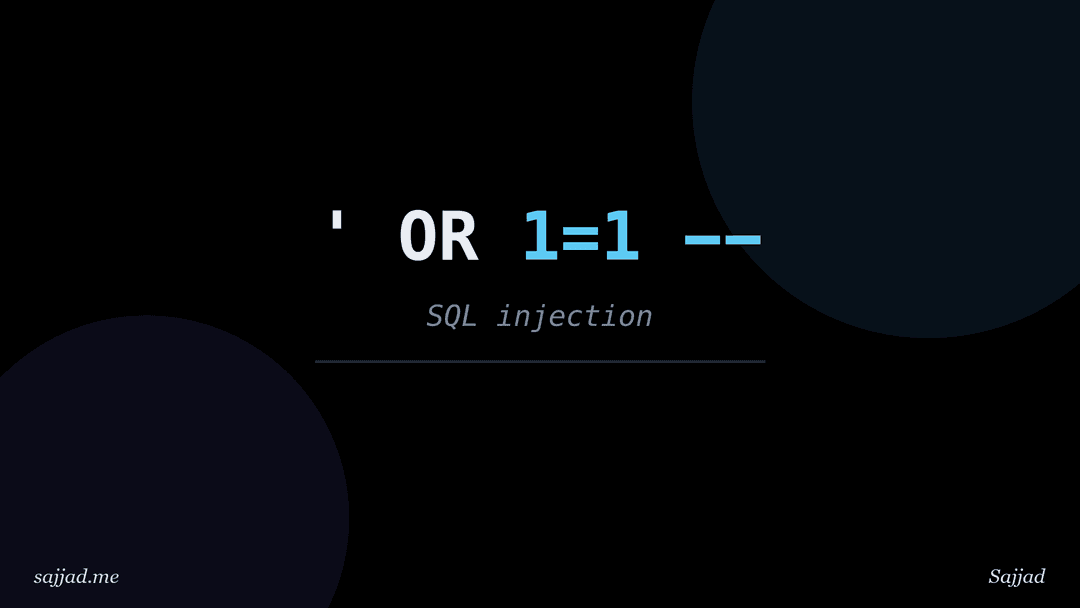
What is SQL injection and how to prevent it?
SQL injection (SQLi) is a vulnerability that lets an attacker change the database queries your application runs by slipping SQL code into input field
Dive Deeper
What is a brute force attack and how to stop it?
A brute force attack is an attempt to break into an account by automatically trying huge numbers of username and password combinations until one work
Dive Deeper
What is a DDoS attack and how to protect your website?
A DDoS (distributed denial of service) attack is an attempt to make a website or online service unavailable by overwhelming it with traffic or reques
Dive Deeper
What is a web application firewall (WAF)?
A web application firewall (WAF) is a security layer that sits between your website and the internet, inspecting every HTTP and HTTPS request and blo
Dive Deeper
What is an SSL/TLS certificate and how does it work?
An SSL/TLS certificate is a small digital file installed on your web server that proves your website's identity and allows browsers to set up an encr
Dive Deeper
What is the OWASP Top 10 and how does it affect your website?
The OWASP Top 10 is a regularly updated, community-driven list of the ten most critical security risks facing web applications, published by the Open
Dive Deeper
What are the most common website security threats?
The most common website security threats are vulnerable or outdated software, weak and stolen passwords, malware infections, injection attacks like S
Dive Deeper
What is website security and why does it matter?
Website security is the set of practices, tools, and habits you use to protect a website, the server it runs on, the data it stores, and the people w
Dive Deeper
How to make a WordPress website secure?
- Sajjad
- WordPress, Security
- 08 May, 2024
In today's digital age, website security is paramount. With the widespread use of content management systems (CMS) like WordPress, securing your webs
Dive Deeper