Wordpress

Is WordPress good for large enterprise websites?
Yes, WordPress can be an excellent choice for large enterprise websites, provided it's built and run like enterprise software. Major publishers, univ
Dive Deeper
How much does it cost to build a WordPress website?
Building a WordPress website can cost anywhere from roughly the price of a domain and a year of budget hosting, if you do it yourself with free tools
Dive Deeper
WordPress vs Wix: which is better for your website?
WordPress is better if you want full ownership, unlimited flexibility, and room to grow into a large or complex website, while Wix is better if you w
Dive Deeper
How to monetize a WordPress blog?
You can monetize a WordPress blog in several ways: display advertising through networks like Google AdSense, Mediavine, or Raptive; affiliate marketi
Dive Deeper
How to add schema markup to a WordPress website?
You can add schema markup to a WordPress website in three main ways: let an SEO plugin like Yoast SEO, Rank Math, or All in One SEO generate it autom
Dive Deeper
How to add a cookie consent banner to WordPress?
The simplest way to add a cookie consent banner to WordPress is to install a consent management plugin such as Complianz, CookieYes, Cookiebot, or Re
Dive Deeper
How to add social media sharing buttons to WordPress?
The easiest way to add social media sharing buttons to WordPress is to install a sharing plugin such as AddToAny Share Buttons, Jetpack, Grow Social,
Dive Deeper
How to add an email newsletter signup to WordPress?
To add an email newsletter signup to WordPress, you connect your site to an email marketing service (such as Mailchimp, MailPoet, Kit, or Brevo) and
Dive Deeper
How to create an XML sitemap in WordPress?
WordPress already creates an XML sitemap for you. Since WordPress 5.5, every site automatically generates one at `https://yourdomain.com/wp-sitemap.x
Dive Deeper
How to recover a hacked WordPress website?
To recover a hacked WordPress website, you need to contain the damage, take a snapshot for investigation, reset every password, replace WordPress cor
Dive Deeper
How to fix 404 errors on WordPress posts?
If your WordPress posts suddenly return "404 Not Found" while your homepage still works, the most common fix is simply to go to **Settings > Permalin
Dive Deeper
How to reset a lost WordPress admin password?
The easiest way to reset a lost WordPress admin password is to click "Lost your password?" on the login screen, enter your username or email, and fol
Dive Deeper
How to fix the white screen of death in WordPress?
To fix the white screen of death in WordPress, start by checking your admin email for a recovery mode link, then turn on debugging in wp-config.php
Dive Deeper
How to increase the PHP memory limit in WordPress?
To increase the PHP memory limit in WordPress, add define( 'WP_MEMORY_LIMIT', '256M' ); to your wp-config.php file, just above the line that says
Dive Deeper
How to fix the "Error establishing a database connection" in WordPress?
The "Error establishing a database connection" message means WordPress tried to talk to its MySQL or MariaDB database and failed. In most cases, the
Dive Deeper
How to put a WordPress site in maintenance mode?
To put a WordPress site in maintenance mode, the easiest option is to install a plugin like SeedProd, LightStart, or Maintenance, turn on maintenance
Dive Deeper
How to improve Core Web Vitals on a WordPress site?
To improve Core Web Vitals on a WordPress site, you need to make your main content appear faster (Largest Contentful Paint), make the page respond qu
Dive Deeper
How to monitor WordPress website uptime?
To monitor WordPress website uptime, you sign up for an external uptime monitoring service such as UptimeRobot, Better Stack, Pingdom, or Jetpack's D
Dive Deeper
How to clean up and optimize the WordPress database?
To clean up and optimize the WordPress database, you first take a full backup, then remove unnecessary data like old post revisions, auto-drafts, tra
Dive Deeper
How to use a CDN with WordPress?
To use a CDN with WordPress, you either route your whole domain through a proxy CDN like Cloudflare by changing your nameservers, or you create a "pu
Dive Deeper
What is caching in WordPress and how does it work?
Caching in WordPress means storing a ready-made copy of something that took work to create, such as a full HTML page, the result of a database query,
Dive Deeper
How to use WordPress cron jobs?
WordPress cron jobs are scheduled tasks that WordPress runs automatically, such as publishing scheduled posts, checking for updates, deleting old tra
Dive Deeper
What is the WordPress database structure?
The WordPress database structure is a set of 12 core MySQL (or MariaDB) tables that store everything on your site except files: posts, pages, users,
Dive Deeper
How to enable debug mode in WordPress?
To enable debug mode in WordPress, open your site's wp-config.php file and change define( 'WP_DEBUG', false ); to define( 'WP_DEBUG', true );.
Dive Deeper
What is the wp-config.php file and what does it do?
The wp-config.php file is WordPress's main configuration file. It tells WordPress how to connect to its database, stores the security keys that pro
Dive Deeper
How to use WordPress with Next.js as a headless CMS?
To use WordPress with Next.js as a headless CMS, you keep WordPress as the place where content is written and managed, then build a Next.js App Route
Dive Deeper
What is headless WordPress?
Headless WordPress is a setup where WordPress is used only as a content management back end, while a separate application handles the front end that
Dive Deeper
How to create a custom Gutenberg block?
To create a custom Gutenberg block, you scaffold a plugin with the official @wordpress/create-block tool, describe the block in a block.json file
Dive Deeper
What is the functions.php file in WordPress?
The functions.php file is a PHP file inside your WordPress theme that runs automatically on every page load, letting the theme add features and cha
Dive Deeper
What is WP-CLI and how to use it?
WP-CLI is the official command-line interface for WordPress. It lets you manage almost every part of a WordPress site from a terminal, including inst
Dive Deeper
How to create a WordPress plugin from scratch?
To create a WordPress plugin from scratch, you make a folder inside wp-content/plugins/, add a PHP file with a special comment block called the plu
Dive Deeper
What are WordPress hooks, actions and filters?
WordPress hooks are points in the WordPress code where you can "hook in" your own functions to change how WordPress behaves, without editing core fil
Dive Deeper
What is the WordPress REST API and how to use it?
The WordPress REST API is a built-in interface that lets other applications read and write your WordPress content over HTTP using JSON. Instead of lo
Dive Deeper
How to allow guest posting on a WordPress blog?
The simplest way to allow guest posting on a WordPress blog is to create a user account with the Contributor role for each guest writer. Contribu
Dive Deeper
How to create a custom user registration form in WordPress?
You can create a custom user registration form in WordPress in two main ways: use a plugin such as WPForms, Gravity Forms, User Registration & Member
Dive Deeper
What are user roles and permissions in WordPress?
User roles and permissions in WordPress control what each person who logs into your site is allowed to do. A role, such as Administrator, Editor, Aut
Dive Deeper
How to enable two-factor authentication in WordPress?
To enable two-factor authentication (2FA) in WordPress, install a trusted 2FA plugin such as Two Factor, Wordfence Login Security, or WP 2FA, then op
Dive Deeper
How to add new users to a WordPress site?
To add a new user to a WordPress site, log in as an Administrator, go to Users > Add New User, fill in a username and email address, choose a rol
Dive Deeper
How to add image galleries in WordPress?
The quickest way to add an image gallery in WordPress is with the built-in Gallery block: open a post or page, add a Gallery block, select or upl
Dive Deeper
How to regenerate thumbnails in WordPress?
To regenerate thumbnails in WordPress, you can install the free Regenerate Thumbnails plugin and run it from Tools > Regenerate Thumbnails, or us
Dive Deeper
How to fix image upload issues in WordPress?
Most WordPress image upload issues come from a handful of causes: the file is larger than your server allows, the uploads folder has the wrong permis
Dive Deeper
How to secure WordPress Multisite networks?
- Sajjad
- WordPress, Security
- 16 Sep, 2026
To secure a WordPress Multisite network, keep the number of Super Admins to a minimum and protect them with two-factor authentication, control which
Dive Deeper
How to secure WooCommerce stores?
- Sajjad
- WordPress, Security
- 15 Sep, 2026
To secure a WooCommerce store, keep card data off your server by using a hosted or tokenized payment gateway, lock down admin and shop manager accoun
Dive Deeper
How to customize the WordPress login page?
You can customize the WordPress login page in two ways: use a plugin such as LoginPress or Custom Login Page Customizer to change the logo, backgroun
Dive Deeper
How to clean up the Japanese keyword hack in WordPress?
- Sajjad
- WordPress, Security
- 15 Sep, 2026
To clean up the Japanese keyword hack in WordPress, you need to remove the injected spam pages and the malicious code that generates them, replace co
Dive Deeper
How to use WebP images in WordPress?
You can use WebP images in WordPress in three main ways: upload WebP files directly to the Media Library (supported natively since WordPress 5.8), le
Dive Deeper
How to optimize images in WordPress?
To optimize images in WordPress, you resize them to the dimensions your theme actually displays, compress them to reduce file size, serve them in mod
Dive Deeper
How to fix WordPress redirect hacks?
- Sajjad
- WordPress, Security
- 15 Sep, 2026
To fix a WordPress redirect hack, you need to find and remove every piece of injected code that sends visitors to another site, then close the hole t
Dive Deeper
How to fix the "This site may be hacked" warning in Google?
- Sajjad
- WordPress, Security
- 14 Sep, 2026
To fix the "This site may be hacked" warning in Google, verify your site in Google Search Console, open the Security issues report to see what Go
Dive Deeper
How to use theme.json in WordPress?
To use theme.json in WordPress, create a file named theme.json in the root folder of your theme (or child theme) and add a JSON object with a `ve
Dive Deeper
How to add dark mode to a WordPress website?
You can add dark mode to a WordPress website in three main ways: install a dark mode plugin such as WP Dark Mode, write CSS that uses the `prefers-co
Dive Deeper
How to remove a backdoor from a WordPress website?
- Sajjad
- WordPress, Security
- 14 Sep, 2026
To remove a backdoor from a WordPress website, back up the site, put it in maintenance mode, and replace WordPress core, plugins, and themes with fre
Dive Deeper
How to create a landing page in WordPress?
To create a landing page in WordPress, add a new page under Pages > Add New Page, choose a distraction-free template (such as a blank or "no head
Dive Deeper
What are nulled WordPress themes and plugins and why are they dangerous?
- Sajjad
- WordPress, Security
- 14 Sep, 2026
Nulled WordPress themes and plugins are pirated copies of premium products that have had their license checks removed so they can be used without pay
Dive Deeper
How to find and fix vulnerable WordPress plugins?
- Sajjad
- WordPress, Security
- 13 Sep, 2026
To find vulnerable WordPress plugins, run a vulnerability scan with a tool like Wordfence, Patchstack, Jetpack Protect, or Solid Security, or compare
Dive Deeper
How to add a custom logo and favicon in WordPress?
To add a custom logo in WordPress, use the Site Logo block in the Site Editor if you have a block theme, or go to **Appearance > Customize > Site Ide
Dive Deeper
How to check if a WordPress plugin is safe to use?
- Sajjad
- WordPress, Security
- 13 Sep, 2026
To check if a WordPress plugin is safe, download it only from WordPress.org or the developer's official site, confirm it's actively maintained and te
Dive Deeper
How to add custom CSS to WordPress?
The quickest way to add custom CSS to WordPress is through the built-in editor for your theme type. With a block theme, go to **Appearance > Editor >
Dive Deeper
How to create a custom navigation menu in WordPress?
To create a custom navigation menu in WordPress, use the Navigation block in the Site Editor if you have a block theme, or go to **Appearance > Menus
Dive Deeper
How to monitor WordPress activity logs?
- Sajjad
- WordPress, Security
- 13 Sep, 2026
To monitor WordPress activity logs, install an activity log plugin such as WP Activity Log, Simple History, or Stream, since WordPress doesn't keep a
Dive Deeper
How to set up a firewall for a WordPress website?
- Sajjad
- WordPress, Security
- 12 Sep, 2026
To set up a firewall for a WordPress website, choose at least one web application firewall (WAF) layer: a plugin-based firewall like Wordfence that r
Dive Deeper
How to scan a WordPress website for malware?
- Sajjad
- WordPress, Security
- 12 Sep, 2026
To scan a WordPress website for malware, start with a free remote scanner such as Sucuri SiteCheck to check what visitors see, then run a server-side
Dive Deeper
What is Full Site Editing in WordPress?
Full Site Editing (FSE) is the set of WordPress features that lets you design and edit every part of your website, not just the content of posts and
Dive Deeper
How to create a custom WordPress theme from scratch?
To create a custom WordPress theme from scratch, you create a new folder in wp-content/themes, add a style.css file with a theme header, and then
Dive Deeper
Wordfence vs Sucuri: which security plugin is better?
- Sajjad
- WordPress, Security
- 12 Sep, 2026
Wordfence is usually the better choice if you want a powerful free security plugin that runs on your own server, with a firewall, malware scanner, an
Dive Deeper
What are block themes in WordPress?
Block themes are WordPress themes built entirely out of blocks. Instead of PHP template files like header.php and single.php, a block theme uses
Dive Deeper
What are the best WordPress security plugins?
- Sajjad
- WordPress, Security
- 12 Sep, 2026
The best WordPress security plugins for most sites are Wordfence, Sucuri Security, Solid Security, MalCare, All-In-One Security (AIOS), Patchstack, a
Dive Deeper
How to protect WordPress from spam registrations?
- Sajjad
- WordPress, Security
- 11 Sep, 2026
To protect WordPress from spam registrations, first decide whether you need open registration at all, and turn it off in Settings > General if yo
Dive Deeper
How to add HTTP security headers to WordPress?
- Sajjad
- WordPress, Security
- 11 Sep, 2026
You can add HTTP security headers to WordPress in four main ways: with Header always set directives in your .htaccess file on Apache or LiteSpeed
Dive Deeper
What are custom fields in WordPress and how to use them?
Custom fields in WordPress are extra pieces of information, stored as key and value pairs, that you attach to a post, page, or custom post type. For
Dive Deeper
How to create custom post types in WordPress?
You can create a custom post type in WordPress in two ways: with a plugin such as Custom Post Type UI, Advanced Custom Fields (ACF), or Pods, which g
Dive Deeper
How to import and export content in WordPress?
To export content in WordPress, go to Tools > Export, choose whether to export all content or just posts, pages, or media, and click **Download E
Dive Deeper
How to secure WordPress with .htaccess rules?
- Sajjad
- WordPress, Security
- 11 Sep, 2026
You can secure WordPress with .htaccess rules by adding directives to the .htaccess file in your site's root (outside the # BEGIN WordPress blo
Dive Deeper
How to use the WordPress revisions feature?
To use WordPress revisions, open a post or page in the block editor, click the Revisions link in the settings sidebar, and WordPress shows you a
Dive Deeper
How to block PHP execution in WordPress upload folders?
- Sajjad
- WordPress, Security
- 11 Sep, 2026
To block PHP execution in the WordPress uploads folder, place an .htaccess file inside wp-content/uploads/ that denies access to files ending in
Dive Deeper
How to force strong passwords for WordPress users?
- Sajjad
- WordPress, Security
- 10 Sep, 2026
WordPress suggests strong passwords but doesn't enforce them, because any user can tick the "Confirm use of weak password" checkbox and save somethin
Dive Deeper
How to add a table of contents to WordPress posts?
The easiest way to add a table of contents to WordPress posts is with a plugin such as Easy Table of Contents, LuckyWP Table of Contents, or the tabl
Dive Deeper
How to set up automatic logout for idle users in WordPress?
- Sajjad
- WordPress, Security
- 10 Sep, 2026
The easiest way to set up automatic logout for idle users in WordPress is to install a plugin such as Inactive Logout, set a timeout like 15 or 30 mi
Dive Deeper
What are block patterns in WordPress and how to use them?
Block patterns are ready-made arrangements of blocks, such as a hero section, a pricing table, or a team grid, that you can insert into any post or p
Dive Deeper
How to embed videos in WordPress?
To embed a video in WordPress, copy the video's URL from a site like YouTube or Vimeo and paste it on its own line in the block editor. WordPress aut
Dive Deeper
How to add CAPTCHA to WordPress login and forms?
- Sajjad
- WordPress, Security
- 10 Sep, 2026
To add CAPTCHA to WordPress, pick a CAPTCHA service (Google reCAPTCHA, hCaptcha, or Cloudflare Turnstile), create a free site key and secret key in t
Dive Deeper
How to prevent user enumeration in WordPress?
- Sajjad
- WordPress, Security
- 09 Sep, 2026
To prevent user enumeration in WordPress, you need to close the handful of places where usernames leak: block ?author= query scans, hide the `/wp-j
Dive Deeper
How to add security keys and salts in WordPress?
- Sajjad
- WordPress, Security
- 09 Sep, 2026
To add security keys and salts in WordPress, generate a fresh set of eight random values from the official WordPress.org secret key generator, then p
Dive Deeper
How to schedule posts in WordPress?
To schedule a post in WordPress, open the post in the block editor, click the Publish date ("Immediately") in the settings sidebar, pick a future
Dive Deeper
How to use categories and tags in WordPress?
To use categories and tags in WordPress, you assign each post to one or more broad categories (your site's main topics) and add a handful of specific
Dive Deeper
How to secure the WordPress REST API?
- Sajjad
- WordPress, Security
- 09 Sep, 2026
To secure the WordPress REST API, don't switch it off entirely, because the block editor and many plugins depend on it. Instead, require authenticati
Dive Deeper
How to create reusable blocks (synced patterns) in WordPress?
To create a reusable block in WordPress, select the block (or group of blocks) you want to reuse in the editor, click the three-dot Options menu
Dive Deeper
How to disable directory browsing in WordPress?
- Sajjad
- WordPress, Security
- 09 Sep, 2026
To disable directory browsing in WordPress on an Apache or LiteSpeed server, add the single line Options -Indexes to the .htaccess file in your s
Dive Deeper
How to hide the WordPress version number?
- Sajjad
- WordPress, Security
- 08 Sep, 2026
To hide the WordPress version number, remove the generator meta tag with remove_action( 'wp_head', 'wp_generator' ), empty the generator output in
Dive Deeper
How to connect a custom domain to your WordPress site?
To connect a custom domain to your WordPress site, you point the domain at your hosting by either changing its nameservers to your host's nameservers
Dive Deeper
How to protect the wp-admin directory with a password?
- Sajjad
- WordPress, Security
- 08 Sep, 2026
You can protect the wp-admin directory with a password by enabling HTTP Basic Authentication on your web server. On Apache, that means creating an `.
Dive Deeper
How to set up WordPress Multisite?
To set up WordPress Multisite, back up your site, add define( 'WP_ALLOW_MULTISITE', true ); to wp-config.php, then go to *Tools > Network Setup
Dive Deeper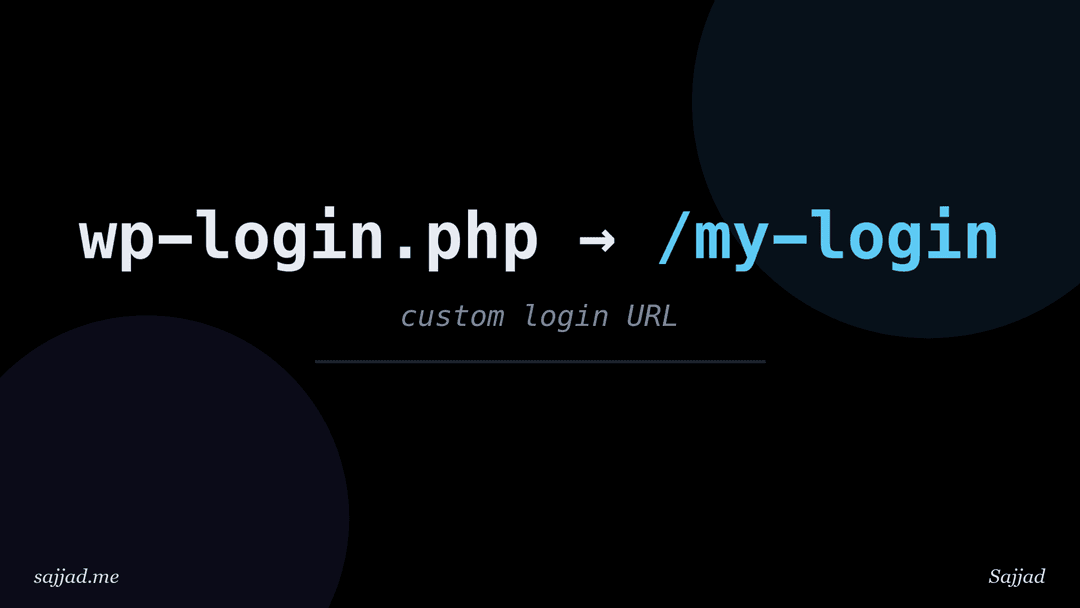
How to change the default WordPress login URL?
- Sajjad
- WordPress, Security
- 08 Sep, 2026
The easiest way to change the default WordPress login URL is to install a lightweight plugin such as WPS Hide Login, choose a new slug like `/my-team
Dive Deeper
How to move WordPress from HTTP to HTTPS?
To move WordPress from HTTP to HTTPS, first install an SSL certificate on your hosting account (most hosts offer free Let's Encrypt certificates). Th
Dive Deeper
How to disable XML-RPC in WordPress?
- Sajjad
- WordPress, Security
- 07 Sep, 2026
To disable XML-RPC in WordPress, you can install a small plugin such as Disable XML-RPC-API, add the xmlrpc_enabled filter to a custom plugin or yo
Dive Deeper
How to limit login attempts in WordPress?
- Sajjad
- WordPress, Security
- 07 Sep, 2026
To limit login attempts in WordPress, install a dedicated plugin such as Limit Login Attempts Reloaded or Loginizer, set a maximum number of failed l
Dive Deeper
What is the difference between posts and pages in WordPress?
The main difference between posts and pages in WordPress is that posts are timely, dated entries that appear in your blog feed, archives, and RSS fee
Dive Deeper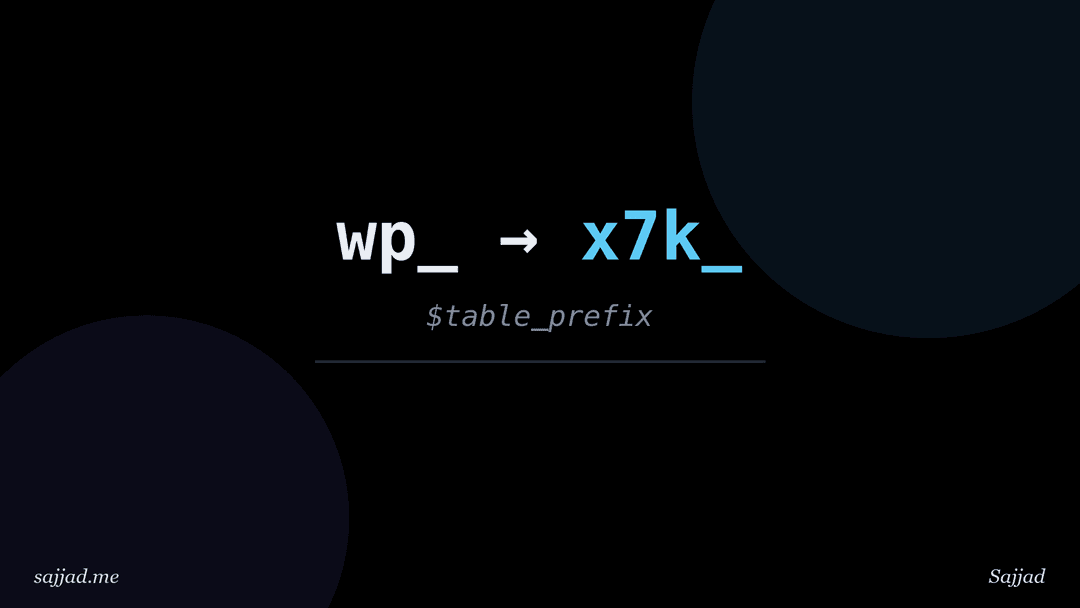
How to change the WordPress database table prefix?
- Sajjad
- WordPress, Security
- 07 Sep, 2026
To change the WordPress database table prefix, you rename every table that starts with the old prefix (usually wp_), update the $table_prefix val
Dive Deeper
How to set a static homepage in WordPress?
To set a static homepage in WordPress, create two pages (for example "Home" and "Blog"), then go to Settings > Reading, choose A static page
Dive Deeper
How to change the WordPress admin username?
WordPress doesn't let you edit a username from the dashboard, so to change the admin username you have to use a workaround. The simplest is to create
Dive Deeper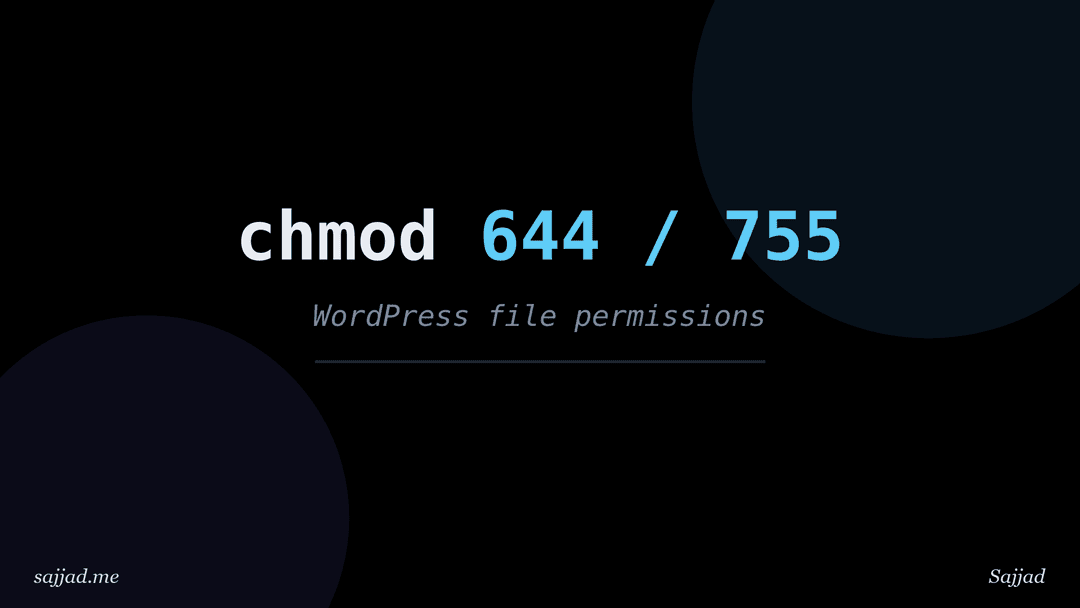
How to set correct file permissions in WordPress?
- Sajjad
- WordPress, Security
- 07 Sep, 2026
The standard, correct file permissions for most WordPress sites are 755 for directories, 644 for files, and something tighter like 640 or 600
Dive Deeper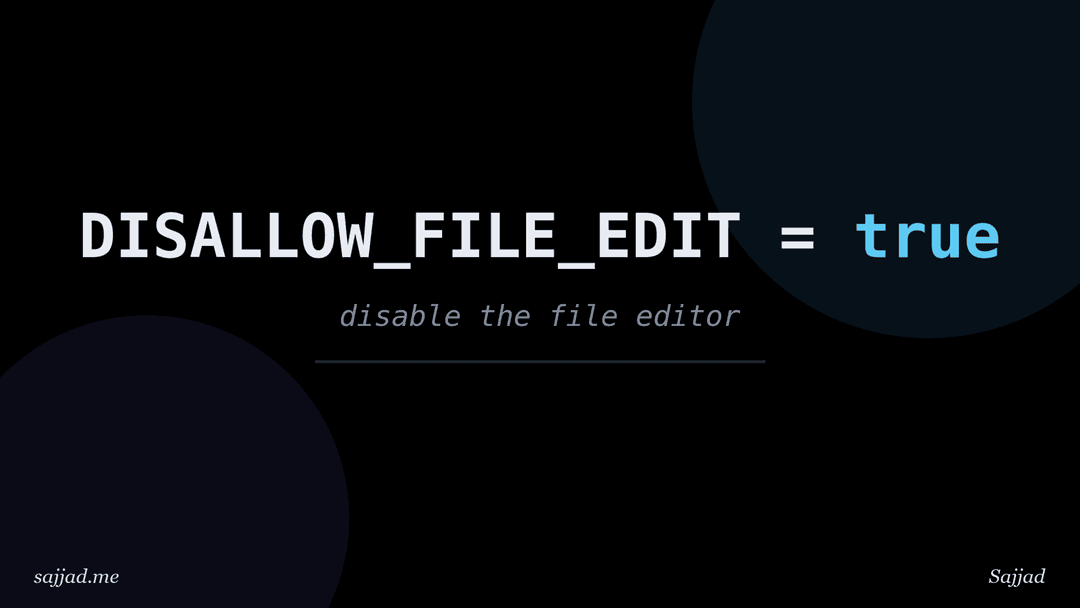
How to disable file editing in the WordPress dashboard?
- Sajjad
- WordPress, Security
- 06 Sep, 2026
To disable file editing in the WordPress dashboard, add define( 'DISALLOW_FILE_EDIT', true ); to your wp-config.php file, above the line that say
Dive Deeper
How to change your WordPress site title and tagline?
To change your WordPress site title and tagline, log in to your dashboard, go to Settings > General, edit the Site Title and Tagline fiel
Dive Deeper
How to harden wp-config.php for better security?
- Sajjad
- WordPress, Security
- 06 Sep, 2026
To harden wp-config.php, you restrict who can read it, block direct web access to it, move it or its secrets out of the public web root where possi
Dive Deeper
How to install WordPress locally on Windows and macOS?
The easiest way to install WordPress locally on Windows or macOS is to use a free desktop app such as Local (by WP Engine) or WordPress Studio (by Au
Dive Deeper
How to configure WordPress settings after installation?
After installing WordPress, you should work through the screens under Settings in your dashboard: set your site title, timezone, and date format
Dive Deeper
How to set up a WordPress staging site?
A WordPress staging site is a private copy of your live website where you can test updates, new plugins, design changes, and code before your visitor
Dive Deeper
What is a WordPress permalink and how do I change it?
A WordPress permalink is the permanent URL that points to a specific post, page, category, or other piece of content on your site. Unlike a temporary
Dive Deeper
What are WordPress shortcodes?
WordPress shortcodes are small pieces of code, wrapped in square brackets like [gallery], that let you add dynamic content and complex functionalit
Dive Deeper
How to manage comments in WordPress?
Your website’s comment section is more than just a feature; it is the digital town square for your brand. It is where your audience transforms from p
Dive Deeper
How to use WordPress for a membership website?
Building a membership website can be a rewarding venture, both personally and professionally. It allows you to create a community, generate revenue,
Dive Deeper
How to set up Google Analytics on WordPress?
Understanding your website's performance is crucial for growth. You need to know who visits your site, how they find you, what content resonates with
Dive Deeper
What are widgets in WordPress and how to use them?
Widgets in WordPress are modular components that enhance the functionality and design of your website. They allow you to add features like search bar
Dive Deeper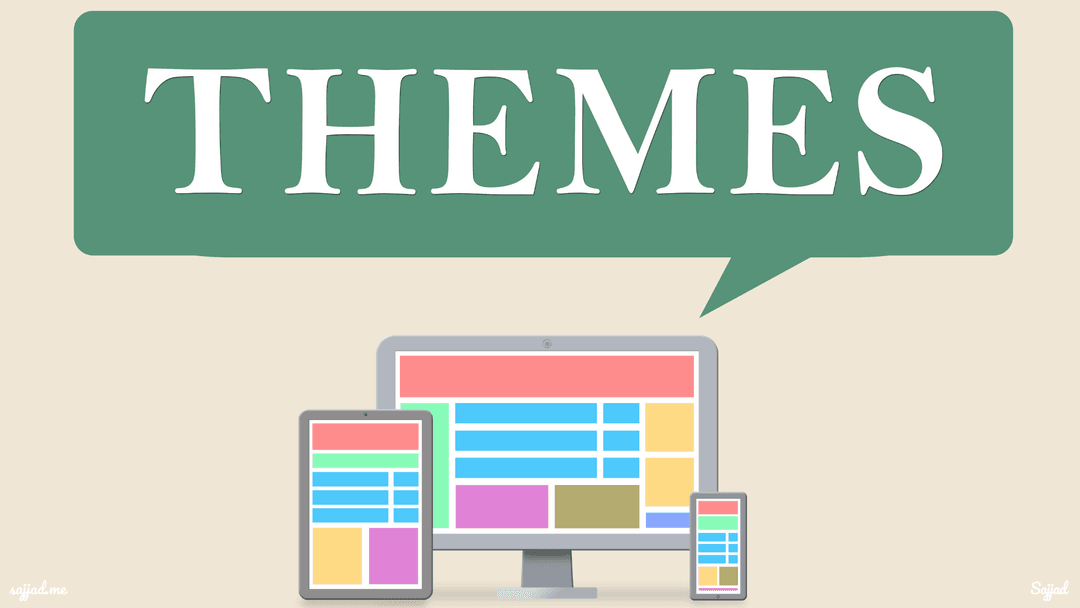
WordPress Child Theme: The Key to Safe and Effective Website Customization
Creating a child theme in WordPress is an essential skill for anyone looking to customize their website without compromising the integrity of the par
Dive Deeper
How to speed up a WordPress website?
In today's fast-paced digital world, the speed of your WordPress website can make or break your online presence. A slow-loading site not only frustra
Dive Deeper
What web hosting is needed for a WordPress website?
Choosing the right web hosting is critical to the success of your WordPress website. Hosting serves as the foundation of your site, influencing its s
Dive Deeper
How to add a contact form to WordPress website?
A contact form is a crucial component for any website, and this holds true especially for WordPress sites. It serves as a
Dive Deeper
How to troubleshoot a WordPress error?
As a WordPress user, encountering errors can be frustrating and disruptive. Whether you're a blogger, an e-commerce store owner, or managing a corpor
Dive Deeper
How to move an existing website to WordPress?
In today's digital landscape, having a robust and user-friendly website is paramount for any business or individual looking to establish a strong onl
Dive Deeper
How to create a multilingual WordPress website?
In today's globalized world, businesses and organizations are increasingly seeking to expand their reach and connect with audiences across different
Dive Deeper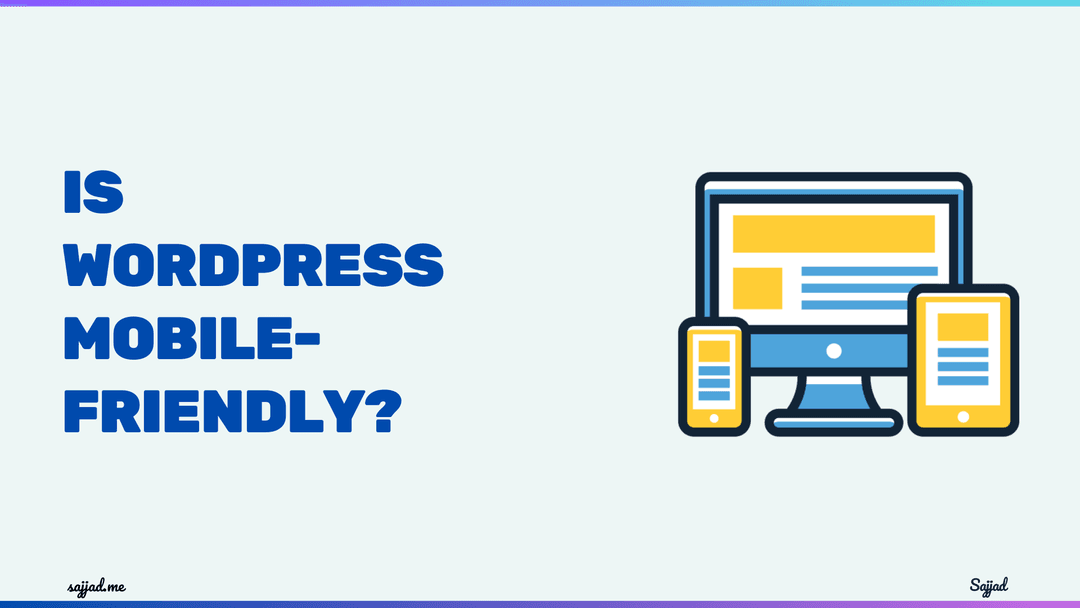
The Importance of Mobile-Friendly Websites
In the digital age, mobile devices have become an integral part of our daily lives. With the increasing popularity of smartphones and tablets, people
Dive Deeper
What are WordPress plugins?
WordPress plugins are powerful tools that allow you to extend the functionality of your WordPress website. They are essentially software add-ons that
Dive Deeper
How to optimize a WordPress website for SEO?
In the ever-evolving digital landscape, optimizing your website for search engines has become an indispensable strategy for success. With [WordPress
Dive Deeper
How to update WordPress and it's themes and plugins?
In the ever-evolving digital landscape, keeping your WordPress website updated is crucial for maintaining its security, performance, and functionalit
Dive Deeper
How To build an e-commerce website with WordPress?
In today's digital age, having an online presence is crucial for businesses of all sizes, especially those in the e-commerce realm. With the ever-inc
Dive Deeper
How to back up a WordPress website?
Backing up your WordPress website is an essential task that ensures the security and integrity of your valuable content. Whether you're running a per
Dive Deeper
How to make a WordPress website secure?
- Sajjad
- WordPress, Security
- 08 May, 2024
In today's digital age, website security is paramount. With the widespread use of content management systems (CMS) like WordPress, securing your webs
Dive Deeper
What is the Gutenberg editor in WordPress?
The digital landscape is continually evolving, demanding more dynamic and versatile content management systems. WordPress, a leader in this domain, h
Dive Deeper
Understanding and Utilizing WordPress Plugins
WordPress stands as a beacon for web developers, bloggers, and business owners alike, offering a versatile platform to create and manage websites. Bu
Dive Deeper
How to choose a WordPress theme?
WordPress themes play a pivotal role in dictating the aesthetic and functional essence of your website. Embarking on the jou
Dive Deeper
How to install WordPress on my own hosting?
WordPress is the most popular content management system (CMS) in the world, powering millions of websites. Installing WordPress on your own hosting g
Dive Deeper
What is the difference between WordPress.com and WordPress.org?
In the world of website creation, WordPress reigns supreme as one of the most popular and versatile platforms. However, it's important to recognize t
Dive Deeper
Is WordPress free?
WordPress, the world's most popular content management system (CMS), is renowned for its flexibility, user-friendliness, and vast array of features.
Dive Deeper
What is WordPress?
WordPress is the cornerstone of modern web creation, embodying a powerful platform that transcends its humble origins as a mere blogging tool. Born i
Dive Deeper